


錯誤訊息
開啟模擬器時出現 unable to boot the simulator
Error: xcrun simctl boot BF772A57-2479-4B17-BC37-83DD3754104B exited with non-zero code: 60
An error was encountered processing the command (domain=NSPOSIXErrorDomain, code=60):
Unable to boot the Simulator.
launchd failed to respond.
Underlying error (domain=com.apple.SimLaunchHostService.RequestError, code=4):
        Failed to start launchd_sim: could not bind to session, launchd_sim may have crashed or quit responding
解決方法
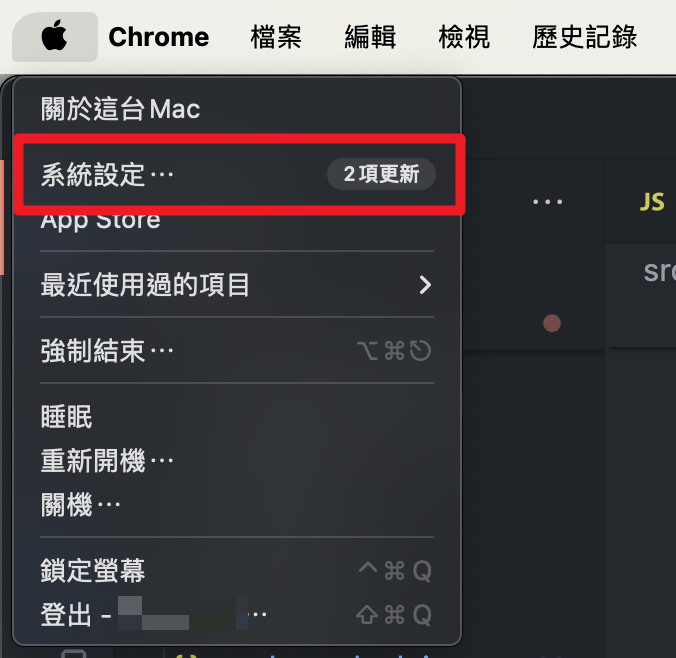
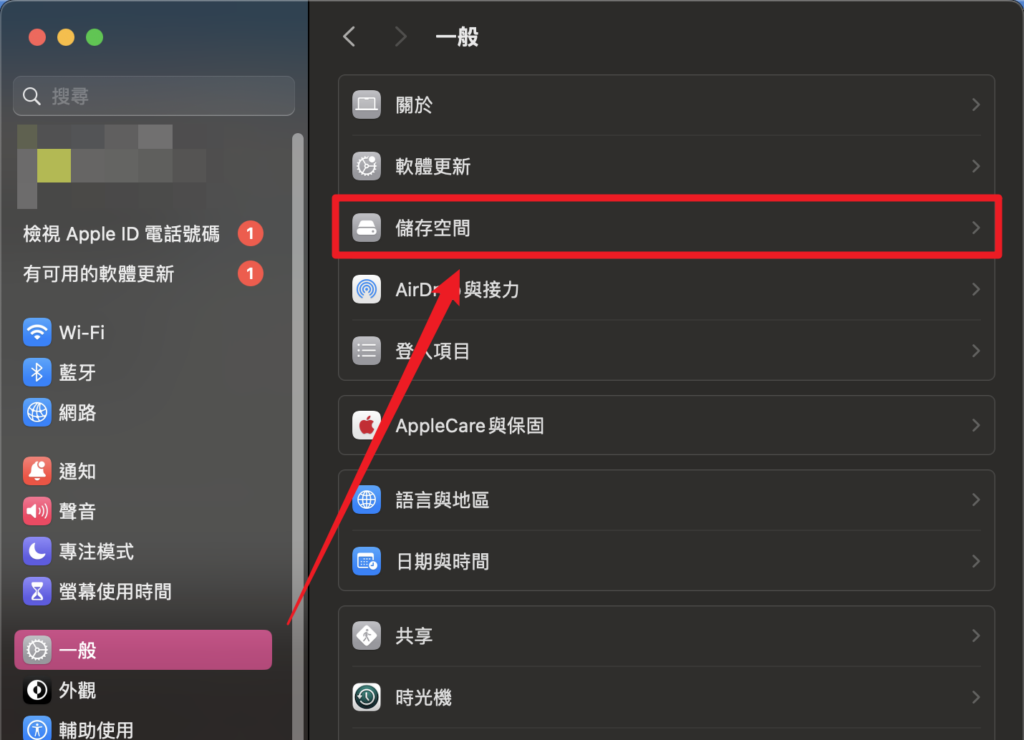
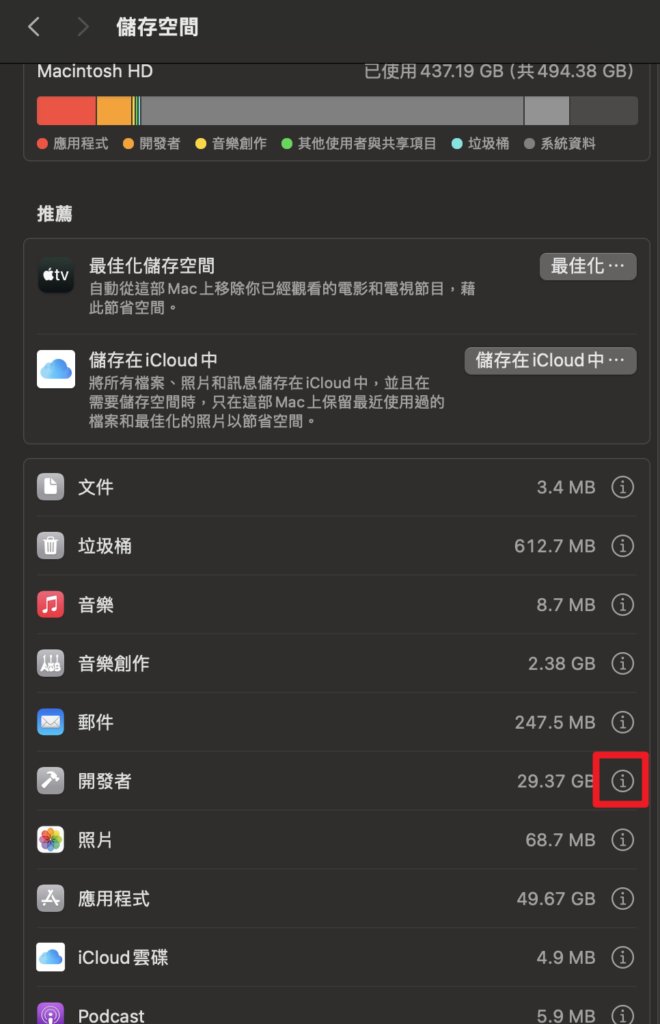
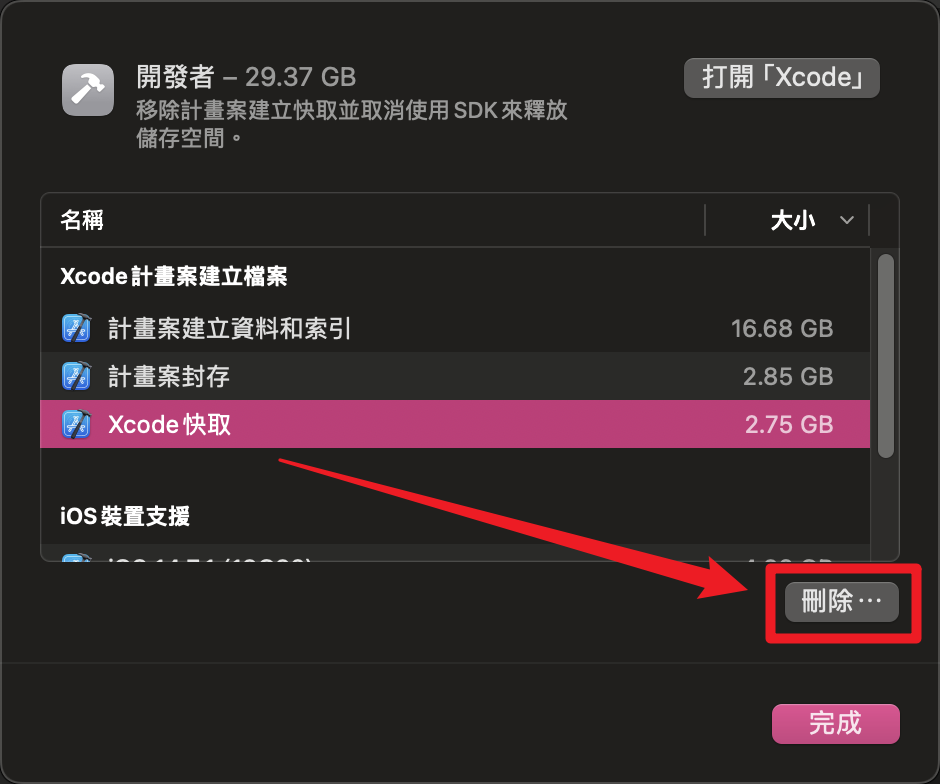
打開系統設定 > 一般 > 儲存空間 > 開發者 > 刪除 Xcode 快取


![[LeetCode] 14. Longest Common Prefix (JS)](https://www.may-notes.com/wp-content/uploads/2024/06/LeetCode_Sharing-120x120.png)
